How Do You Choose Rotary Screens for Knits and Wovens?
How Do You Choose Rotary Screens for Knits and Wovens?
Start with the hardest part of the job to print. On a woven shirting fabric with fine stripes, it may be keeping the lines sharp and free of moiré. On a stretch knit with a solid background, it may be keeping the color even when the fabric is worn and stretched. Choose a rotary screen that can hold the smallest detail and deliver the paste the fabric needs. Then check both on a finished proof.
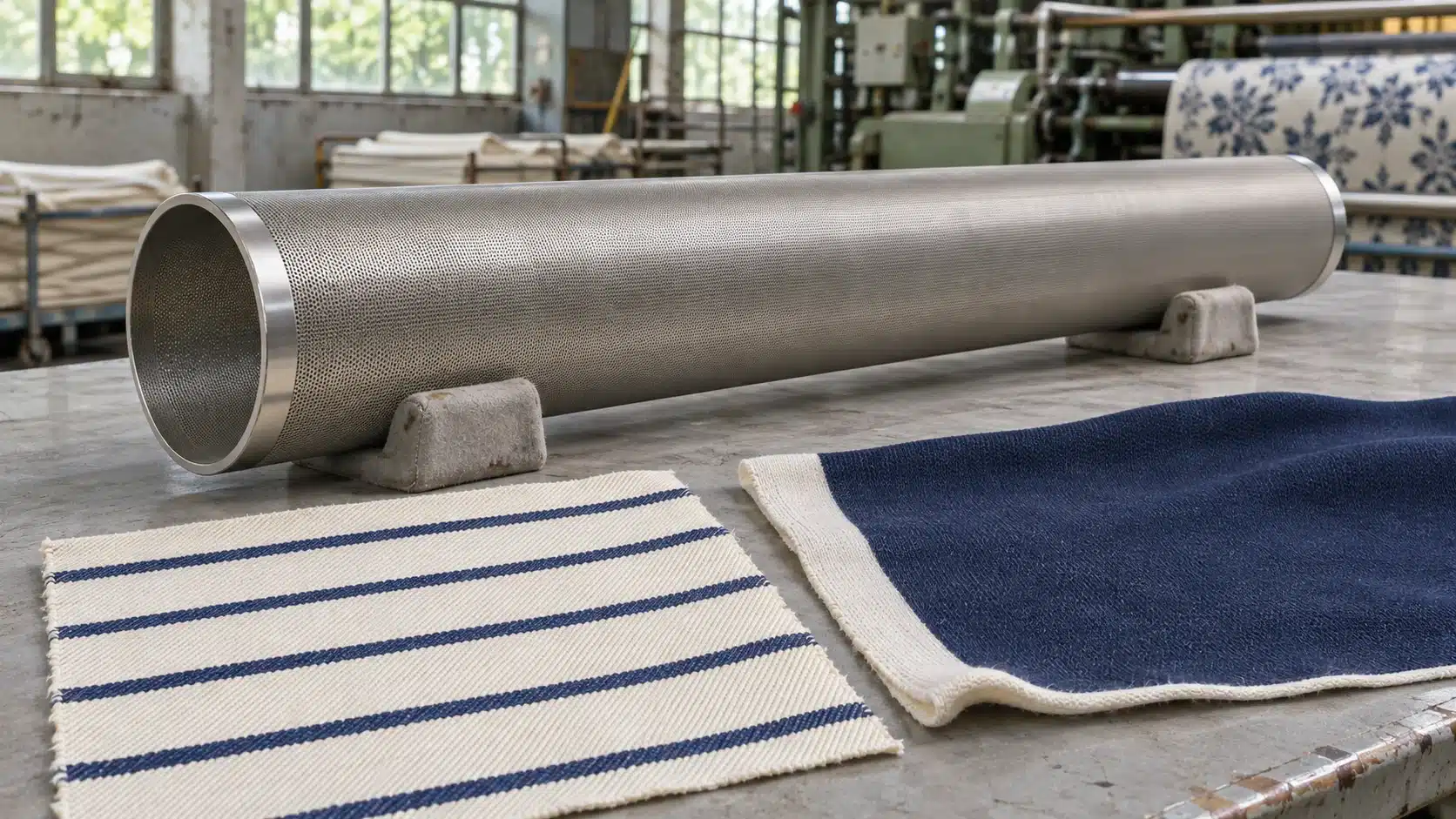
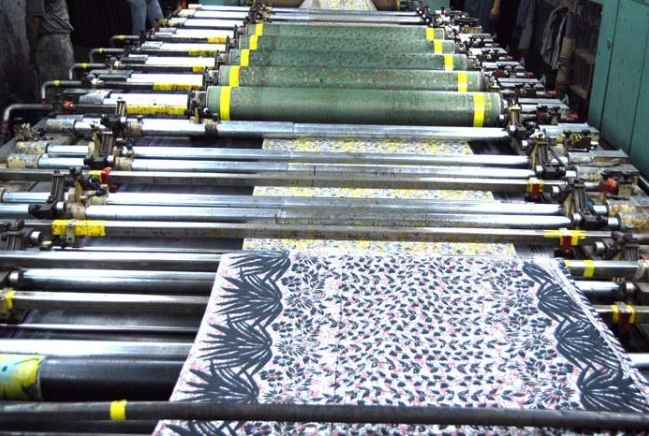
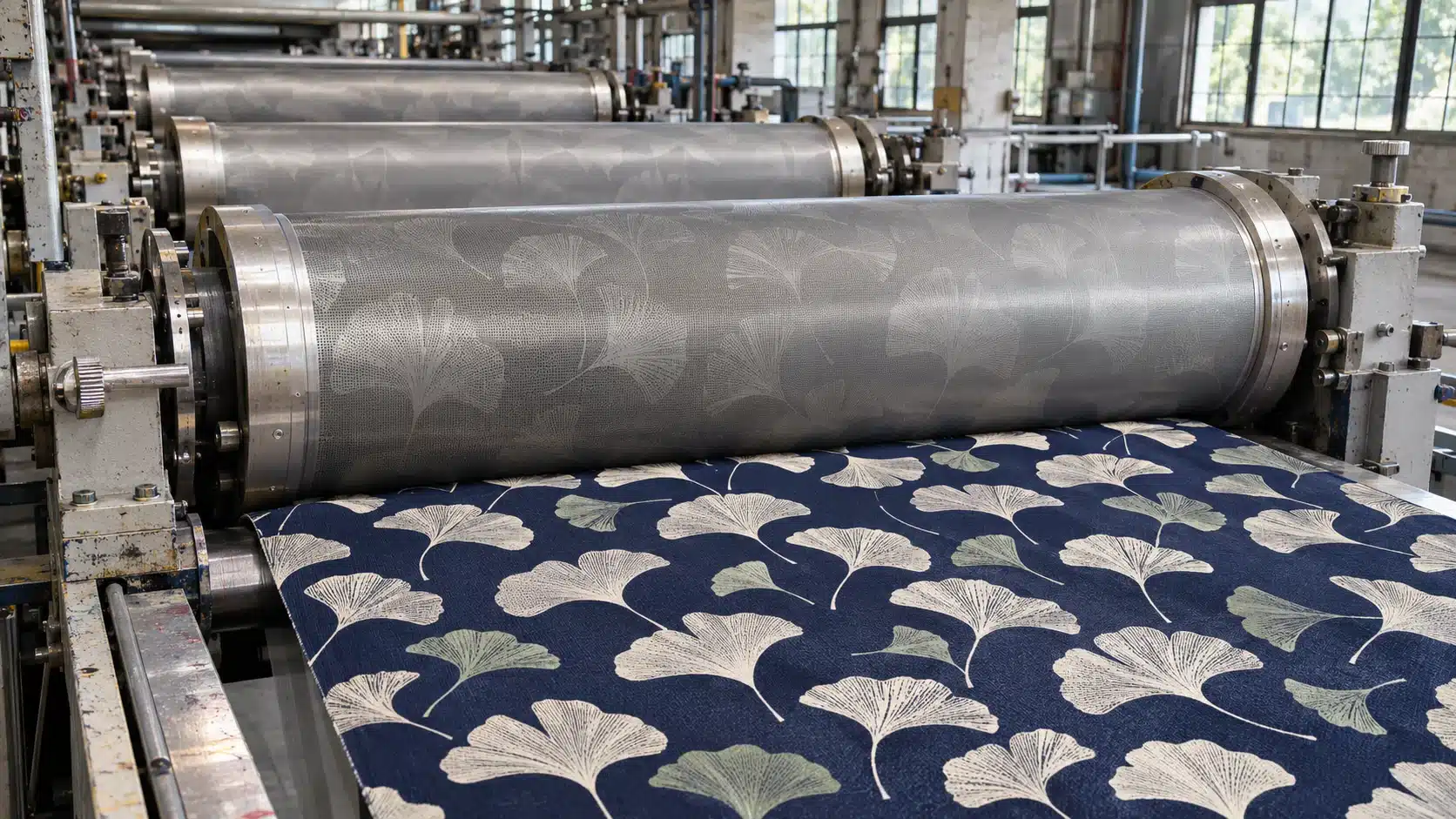
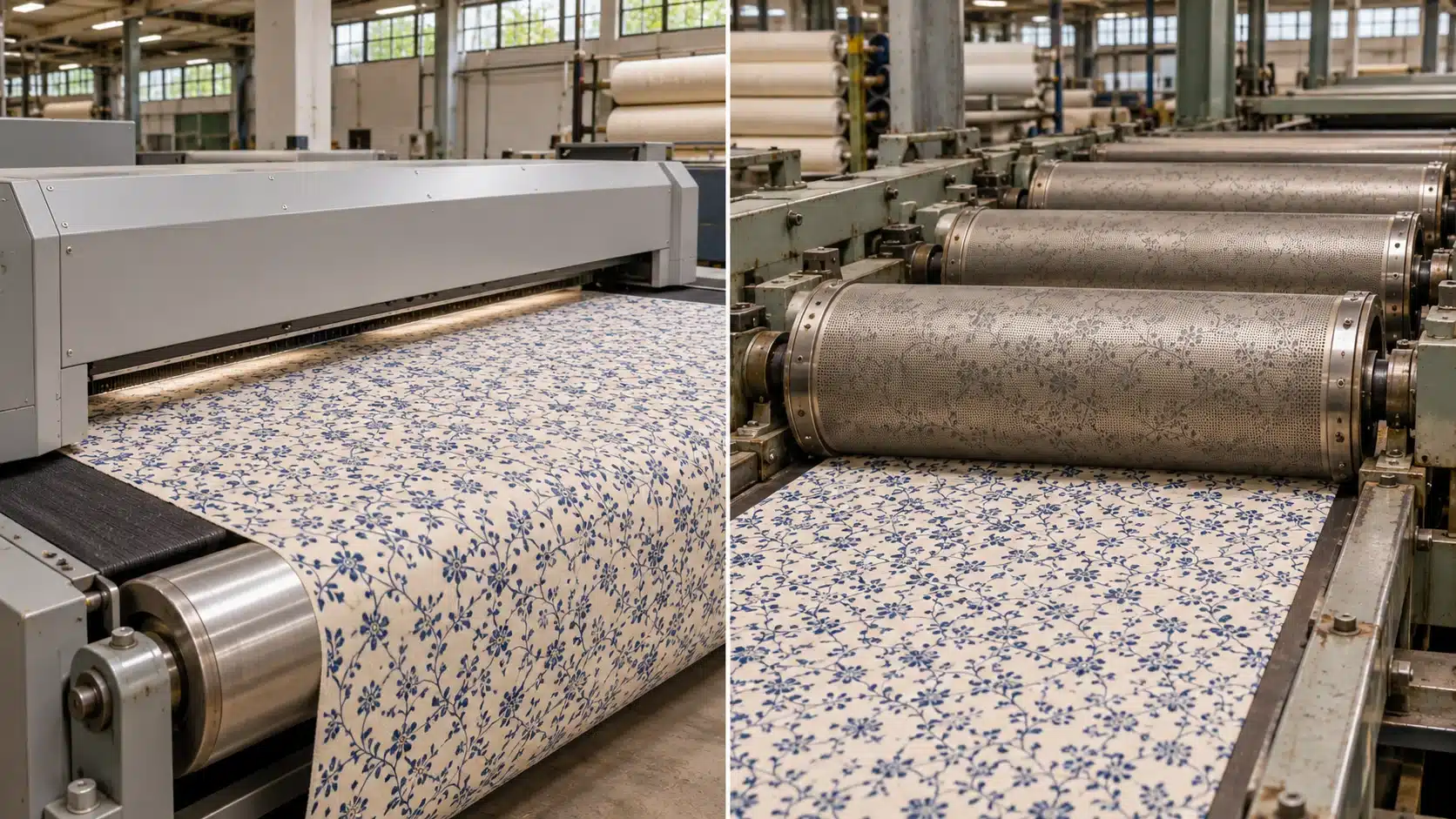
Woven fabrics have intersecting warp and weft yarns, while knits are made of interlocking loops that can open under stretch. Yarn size, surface texture, and the finish also change how the fabric takes paste. A dense knit with fine artwork may need a detail-focused screen, while a heavy woven with large solids may need more paste. >> Rotary screen printing workflow
Which Rotary Screen Specifications Matter?
On an electroformed nickel screen, compare the mesh count with the specifications that describe the openings themselves. Ask for the spec sheet for the exact variant you are quoting.
| Specification | Why it matters on press |
|---|---|
| Mesh count | Indicates the density of openings. A finer mesh can help reproduce fine lines and small halftone dots if the engraving, paste, and fabric also support that detail. |
| Hole size and shape | Affect the path the paste takes through the screen. Check them when the paste is thick or contains particles. |
| Open area | Is the percentage of screen surface occupied by openings. It helps compare screens for paste transfer, alongside hole shape, wall thickness, paste flow, and press settings. |
| Hole layout | Describes how the holes are arranged. A different layout can change how the screen pattern interacts with the fabric weave or halftone grid. |
Two screens can share a mesh number and still behave differently. For example, HANZE lists its 195ED GD screen in 16% and 19% open-area variants, both with a nominal wall thickness of 115 µm. That gives a mill two options to trial at the same nominal mesh count. Paste viscosity, squeegee or magnetic rod settings, and line speed still affect the result.
Woven Fabrics With Fine Lines and Halftones
Take a fine stripe on cotton twill. Start with a screen that can hold the stripe at its actual print size. Include the narrowest stripe and any small gaps in the trial. If the print closes those gaps, compare the engraving and the deposit against your baseline. A heavier deposit can make a solid patch look richer while making a fine stripe look wider.
On a regular weave, check the finished print for moiré. It looks like unintended waves or bands and can appear when repeating patterns in the fabric, artwork, and screen interact. Fine stripes, checks, and halftones make good test patches. If a wave appears, compare it with the unprinted fabric and look at a single-color test as well as the full design. That helps you see where the pattern starts. Trial a different hole layout or review the halftone angle with the engraver, keeping the other variables as close as possible.
For a woven fabric with mostly large solid shapes, give more weight to even coverage. Use a standard rotary screen as a baseline for routine spot-color work. If the setup is stable but the screen delivers too little paste for a heavy ground color, compare a higher-open-area option on the same cloth.
Knitted Fabrics With Solids That Need to Hold Under Stretch
Take a navy solid printed on a pale stretch jersey. A swatch can look even when flat and show pale areas between the loops when stretched. Compare the finished print first at rest and then at the agreed extension for the end use. Use the same direction and amount of stretch for each sample so the results are comparable.
If the ground shows through, first check whether the knit fed evenly and the paste reached the fabric consistently across the width. Then compare a screen with a more suitable hole opening or open area, keeping the paste and initial press settings the same. If a darker solid comes at the cost of a stiff hand or blurred edges, the sample still needs adjustment. When artwork uses separate stations for the ground and fine outlines, you can trial one screen for coverage and another for the outline.
For pigment printing, evaluate the hand and rub fastness after the binder has cured. Choose a deposit that meets the coverage and shade requirements while keeping the finished hand within the approved range.
What to Check Before You Change the Screen
| What you see on the proof | First check | Screen change to trial if the issue persists |
|---|---|---|
| Waves across a fine pattern | Compare the blank fabric, single-color proof, and full design. Note which pattern area shows the bands. | Compare another hole layout at a similar level of detail. Review the halftone angle separately if relevant. |
| Solid area looks patchy even when flat | Check fabric preparation, paste supply, and whether openings are blocked. | Compare hole size or open area using the same paste and fabric. |
| Ground color appears mainly under stretch | Compare finished samples at the same extension and in the same direction. | Trial more suitable paste transfer for the solid. Recheck fine edges and hand. |
| Fine lines get wider or small gaps fill in | Compare the engraved detail with the artwork and check paste consistency and print settings. | Trial a screen that holds the line while delivering a more controlled deposit. |
| Pattern becomes longer or skewed | Check fabric feeding and whether the change appears after finishing. | Keep the screen as the baseline while you correct handling. Recheck the finished repeat before choosing another screen. |
How to Run a Screen Trial the Mill Can Repeat
- Print the features most likely to fail. Include the real artwork at production scale, with a solid area, the smallest lines or dots, and a full repeat. Use the intended fabric lot and face. Check that the candidate screens fit the press before the trial.
- Establish a baseline. Start with the screen you would normally run. Record the screen ID, mesh, open area, hole layout, paste batch and viscosity, line speed, and squeegee or magnetic rod setting. Change one variable at a time where practical. If a replacement screen changes several specs, record them together.
- Finish the samples the same way. Check shade, coverage, registration, and pattern repeat across the usable width. Examine wovens for moiré and fine detail. Check stretch knits at rest and at the agreed extension. Approve the hand and any fastness requirements on the finished samples.
- Keep the approved sample with the settings. Record which screen ran each color or effect. Use the record for bulk production or to compare the next fabric lot.
Frequently Asked Questions
Can the same rotary screen set run a design on both a knit and a woven?
Yes, if the press fit and design repeat are suitable and both finished proofs meet the requirements. Proof each fabric with its intended paste and finishing route. Two fabrics that show the same shade may still differ in line definition, coverage, or how the design looks when stretched.
Is rotary screen mesh count the same as halftone LPI?
Mesh count describes the density of physical openings in the nickel screen. LPI, or lines per inch, counts the rows of halftone dots per inch in the artwork. Give the engraver both the artwork settings and the screen specification when developing a halftone. Check the lightest dots and any moiré on the actual fabric.
What if the color looks right on press and fades after finishing?
Check the required curing or fixation and wash-off conditions for the paste system. Compare the finished sample with an approved control on the same fabric and look for whether the shift is even or localized. An even shade change can justify checking the recipe and finishing conditions before repeating the screen trial.
Request a Rotary Nickel Screen Quote
Send HANZE a fabric swatch or construction details, the artwork at print size, and the paste type. Tell us which feature needs the most attention, such as fine lines, moiré, or coverage under stretch. Include the press model, screen circumference and length, usable print width, endring type, current screen specification if available, and order quantity. Ask for compatible screen options, MOQ, and lead time. Browse HANZE rotary nickel screens
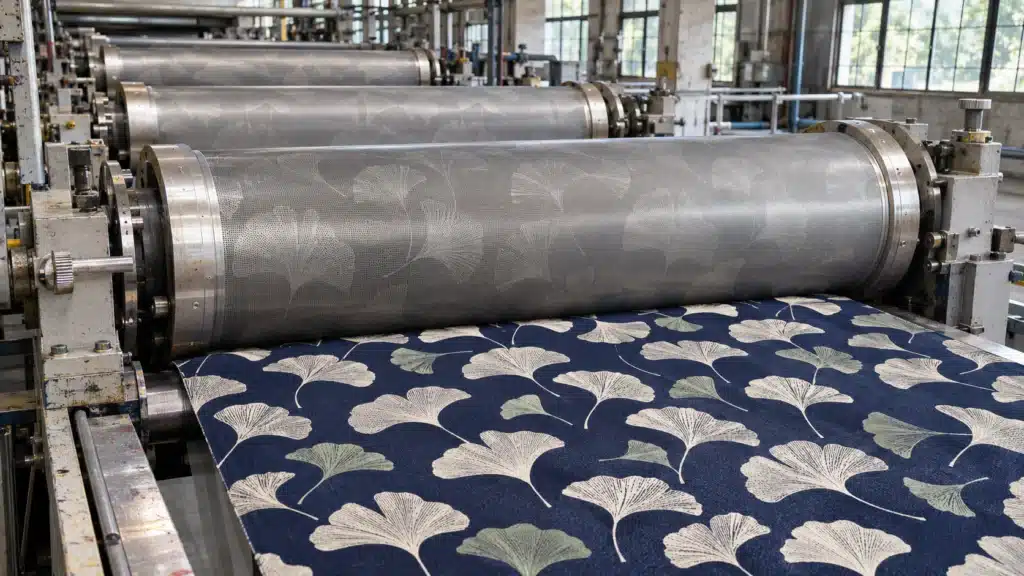 What Are the Advantages of Rotary Screen Printing?