How to Screen Print on Polyester Mesh: Step-by-Step Guide
How to Screen Print on Polyester Mesh: Step-by-Step Guide
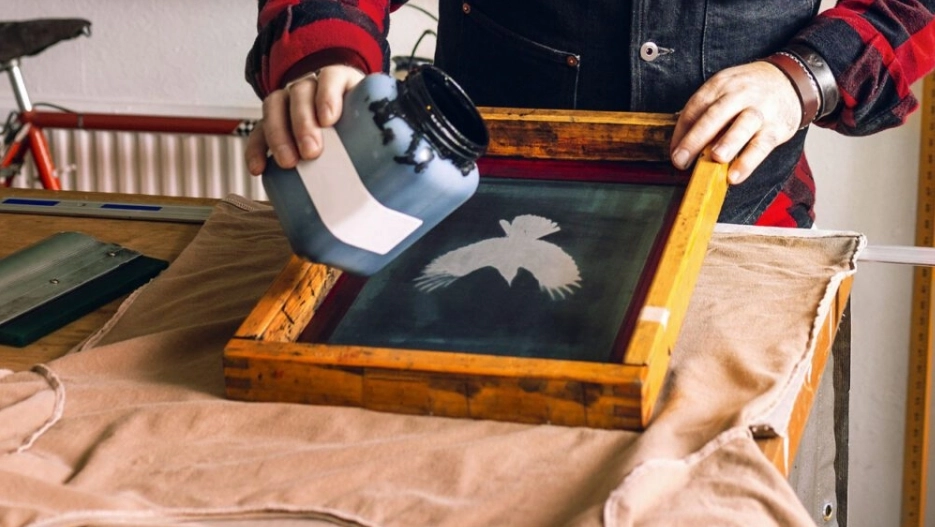
You can screen print on polyester mesh with a compatible ink system and a tested process. The main tasks are to control dye migration, manage ink around the fabric openings, and achieve full cure without unnecessary heat exposure.
This guide explains how to screen print on polyester mesh fabric used in jerseys, shorts, and similar garments. It covers ink selection, press setup, printing, curing, and checks before production.
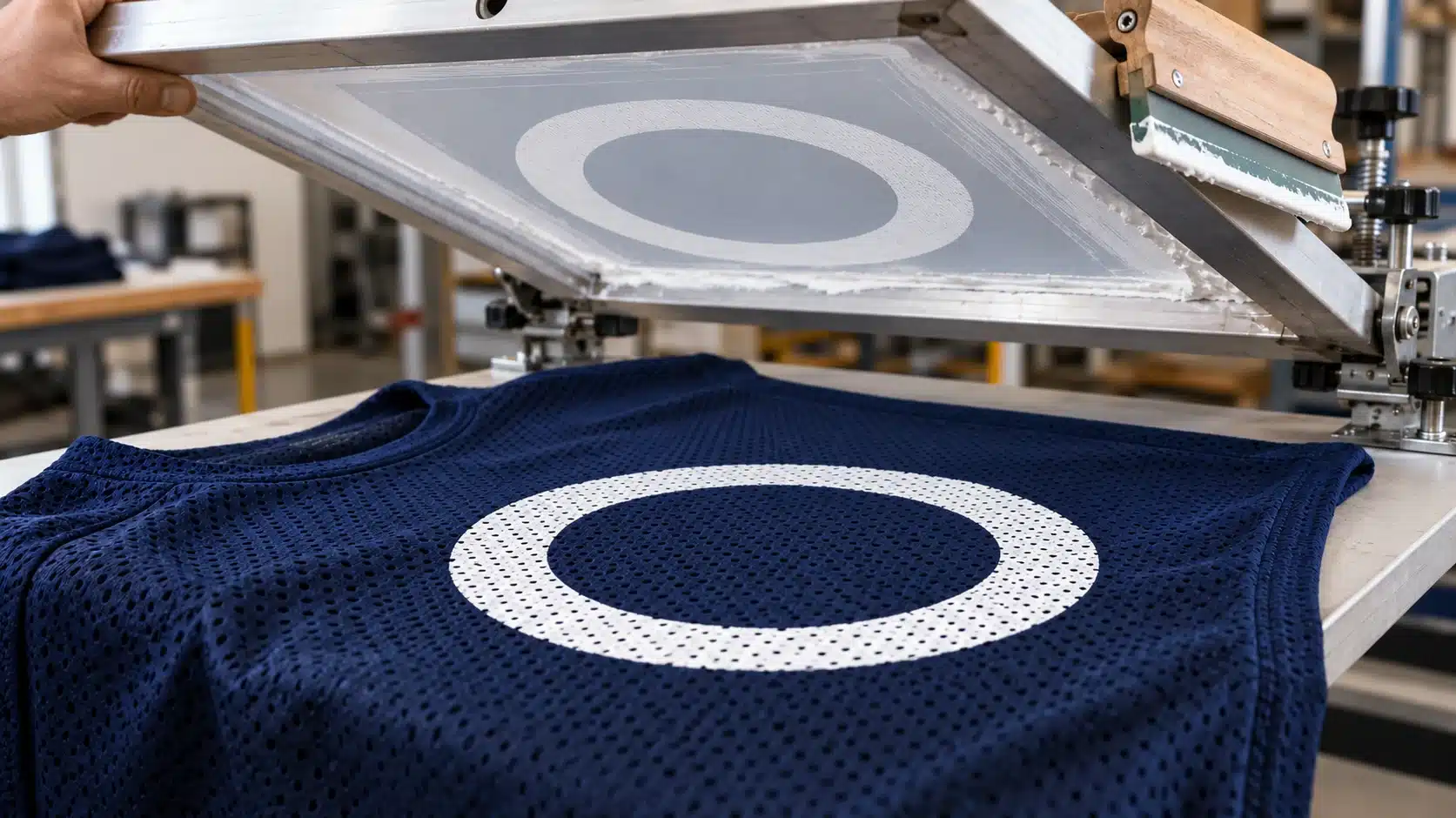
Can You Screen Print on Polyester Mesh?
Yes, many polyester mesh garments can be screen printed. However, a method that works on one jersey may need adjustment for another. The fabric structure, dye, stretch, and surface treatment all affect the result.
Polyester Mesh Fabric vs. Polyester Screen Mesh
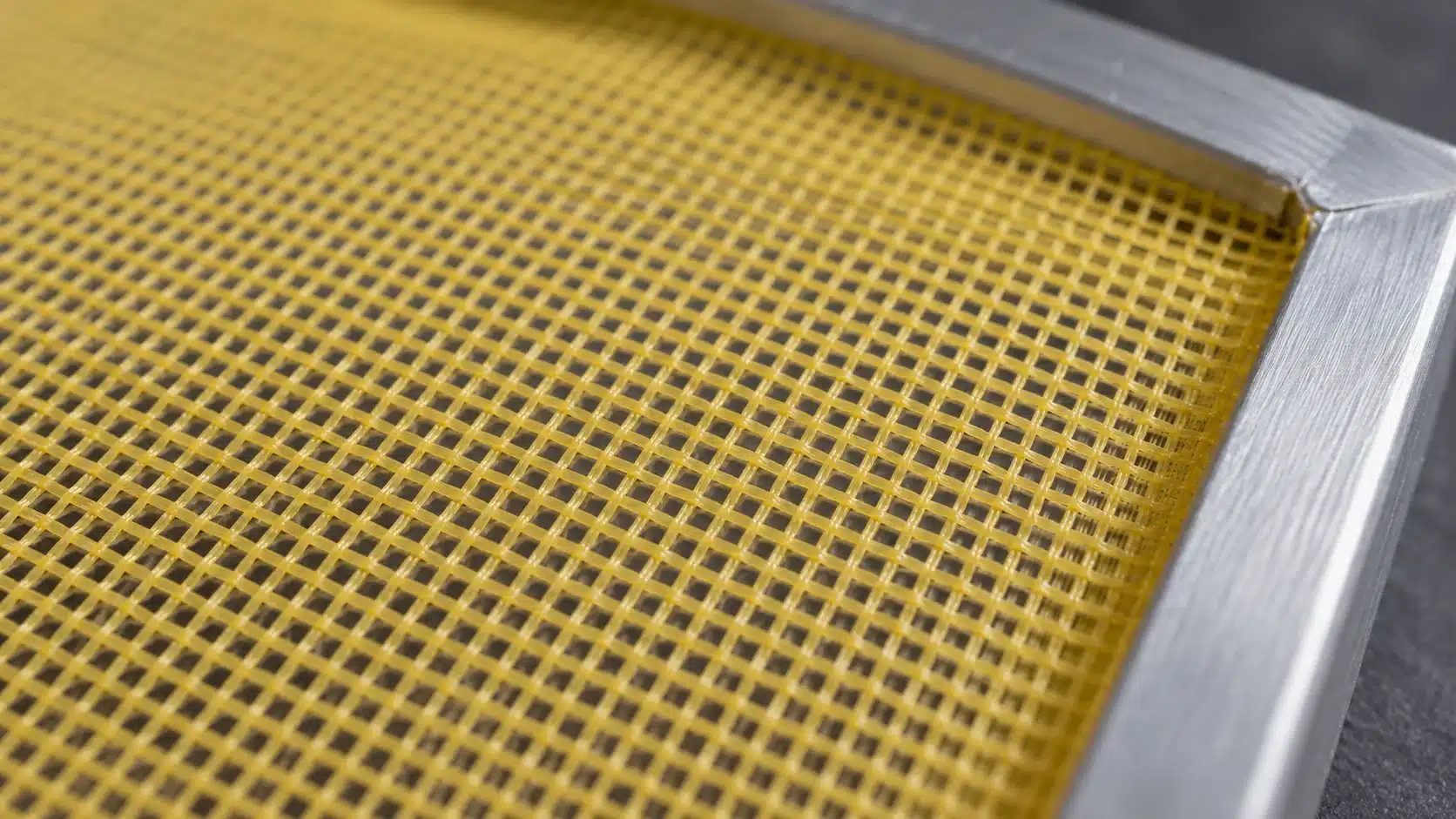
Polyester mesh fabric is the material receiving the design. Polyester screen mesh is the fabric stretched across the printing frame to support the stencil.
Both appear in the same process, but they serve different purposes. Throughout this guide, garment mesh means the substrate, while screen mesh means the material in the printing screen.
The Main Challenges: Dye Migration, Open Holes, and Heat
Dye migration happens when colorants from the garment move into the printed ink. A white logo on red polyester may develop a pink tint. Heat management and a suitable ink system help limit this problem.
Ink passing through the garment holes is a separate issue. It can mark the inside or platen. Excessive buildup may also bridge the openings. Identify which problem you are seeing before changing the process.
Equipment and Supplies You Will Need
Prepare the complete setup before loading production garments. A useful equipment list includes:
| Equipment or supply | Purpose |
|---|---|
| Screen printing press and suitable platen | Hold the screen and garment in a repeatable position. |
| Prepared screen and stencil | Match the artwork and the ink system’s deposit requirements. |
| Squeegee in good condition | Transfer ink with a controlled stroke and a consistent edge. |
| Compatible ink, plus any required blocker or underbase | Provide the required color, opacity, stretch, and bleed resistance. |
| Suitable garment fixation or clamping | Limit movement without distorting the fabric. |
| Flash unit, when required, and suitable curing equipment | Manage intermediate layers and final cure. |
| Ink temperature measurement tools | Check actual heating conditions. |
| Samples from the production fabric batch | Validate the process before committing the order. |
Keep the current technical data sheets, or TDS, for every ink and additive available. This guide starts with a prepared screen; screen stretching and stencil exposure are separate preparation tasks.
Choose the Right Ink and Blocker System
Choose screen printing ink for polyester mesh by checking the exact product’s substrate recommendations. A general-purpose garment ink should not be assumed suitable for every polyester jersey.
Low-Bleed and Low-Cure Describe Different Properties
Low-bleed ink is formulated to resist dye migration. Low-cure ink reaches its specified cure under lower-temperature conditions than a comparable conventional system. One product may offer both properties.
Lower curing temperatures can help manage heat exposure, but the ink still needs suitable bleed resistance. Avient’s performance-wear guidance combines ink selection, blocker systems, and controlled heating rather than treating temperature alone as the solution.
Review the complete system before choosing it. A low-cure top color cannot make an incompatible, higher-cure base suitable for the same process.
When to Use a White Underbase or Dye Blocker
A white underbase helps colors appear opaque and bright. A dye blocker is designed to limit dye migration. Some products combine functions, but an ordinary white ink is not automatically a blocker.
Dark, red, and previously sublimated polyester garments deserve particular attention during testing. Depending on the system, a gray or black blocker may sit beneath the white and top colors. Follow the supplier’s separation and layer instructions.
Use the approved sample to decide which layers are necessary. Extra layers add printing and heating steps, so they should serve a defined purpose.
Check Stretch, Opacity, and Ink Compatibility
For athletic clothing, assess stretch recovery, hand feel, opacity, and adhesion alongside bleed resistance. Polyester-compatible plastisol is one option. Suitable water-based and silicone systems are also available, but their processing requirements differ.
Check the TDS for approved bases, additives, mixing ratios, and curing requirements. Do not add a nylon catalyst or reducer simply because another synthetic garment used it.
International Coatings notes that modifying its Poly White ink can affect bleed resistance, opacity, and cure behavior. Treat changes as a reason to retest the complete print.
How to Screen Print on Polyester Mesh: Step by Step
Step 1: Inspect the Fabric and Select Test Samples
Start with the actual garment, not only its catalog description. Record the fiber content, color, mesh structure, stretch, and lining. Ask about coatings or finishes if that information is missing.
Take samples from the same batch intended for production. Include each garment color in the approval plan; a successful print on one color does not qualify the others.
Check the blank garment supplier’s decoration guidance. If preheating or another treatment is proposed, test its effect on dimensions and printing first. Do not make pre-shrinking a default step for all polyester mesh.
Step 2: Adapt the Artwork to the Mesh Structure
View the design at its final print size against the garment openings. Fine lettering may lose sections where a hole interrupts a stroke. Large solid areas need a different balance of coverage and open space.
For names and numbers, check legibility on the actual jersey. For logos, review narrow outlines, small reversed details, and halftones.
Simplify details that fail in the sample rather than repeatedly adding ink. Discuss the expected appearance and fabric texture with the customer before approving production.
Agree on the acceptance target before printing: visible fabric texture, legible detail, acceptable opacity, and the required condition of the garment holes. A solid-looking number and an open-hole finish may require different compromises. Keep the approved sample as the visual reference.
Step 3: Select the Screen Mesh and Stencil
The mesh count here belongs to the printing screen. It does not describe the holes in the jersey.
Start with the ink supplier’s mesh recommendation, then consider thread diameter, mesh opening, tension, and stencil thickness. These factors work together to influence release, detail, and ink deposit.
A blocker may need a defined deposit to function. Reducing that deposit solely to keep garment holes open can undermine the chosen ink system. Resolve the combination through testing.
Record units clearly: threads per inch and threads per centimeter are different specifications. Use the screen printing mesh size guide to review selection factors.
As a unit comparison, a nominal 43 threads/cm specification is approximately 110 threads/inch. Use the supplier’s actual mesh designation when ordering and recording the setup.
Step 4: Load and Secure the Garment
Place the target panel on the platen and keep the opposite panel out of the printing area. Smooth the garment without stretching it into a different shape.
Choose a fixation or clamping method that works with the fabric construction. Open mesh allows ink to reach the surface beneath it. Any support or protective material must be tested for sticking, movement, and ink transfer.
Inspect the platen between samples and replace contaminated protective material when needed. With lined or double-layer jerseys, confirm where the second layer sits before printing.
Step 5: Set Off-Contact and Adjust the Print Stroke
Check screen alignment and set an off-contact distance that allows clean release. The screen should separate from the garment after ink transfer rather than drag the fabric upward.
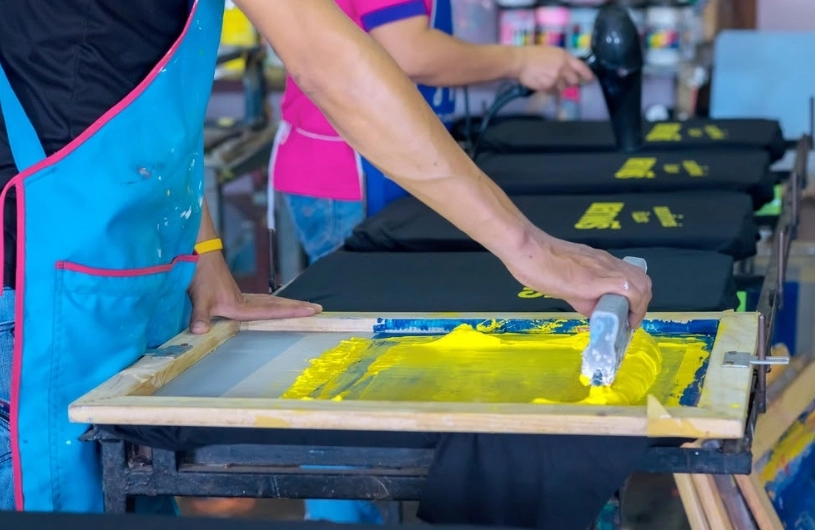
Use a sound squeegee edge. Adjust pressure, speed, angle, and stroke count on a sample, observing both the print face and the reverse.
Aim for the deposit required by the ink system with clear edges and controlled fabric movement. More pressure is not a reliable substitute for suitable ink or screen selection.
Inspect available screen printing squeegees against your press and print requirements.
Step 6: Print the Blocker or White Underbase If Needed
Print the layer sequence established during testing. Where a blocker is required, check that the intended areas receive the specified coverage. Then apply any required white underbase.
Follow the system’s intermediate flash and cooling instructions before overprinting. Examine the garment holes and registration after each stage.
Do not automatically reduce a protective layer to solve buildup. If the required deposit conflicts with the garment structure, revise the artwork, screen setup, or ink system and approve a new sample.
Step 7: Print the Colors and Control Flash Heat
Print the remaining colors using the approved settings. Monitor the deposit and avoid adding strokes without checking what they change.
Flash only as required for the next layer. Intermediate flashing sets the ink for further printing; it does not, by itself, prove final cure. Excessive flashing can affect layer adhesion.
Watch for garment shrinkage, plugged holes, pickup, and registration movement. Platens also warm during production, so compare running conditions with the approved setup.
Review screen printing flash dryers by their controls and suitability for your process. Establish the actual operating settings through testing.
Step 8: Cure the Complete Ink Film
Follow the full curing instructions for the chosen system, including temperature, time, and any drying requirements. There is no single curing temperature for every polyester mesh job.
The dryer display is an equipment setting. It does not prove that the entire ink deposit has reached the required conditions.
A suitable contact probe can help check temperature within the deposit. An infrared thermometer reads the surface, which may differ from deeper layers. Water-based inks also need moisture removal as part of their curing process.
Measure representative prints under production conditions and verify wash performance. If the garment cannot tolerate the required cycle, choose another compatible system instead of accepting undercure.
Include the heavier deposits and different positions across the design in the measurement plan. One hot surface reading cannot describe every layer and location. Recheck when garment loading or dryer conditions change.
For front-and-back designs, include later dryer passes in the approval process.
Step 9: Cool and Inspect the Print
Let garments cool before stacking or packing them. Hot stacks can retain heat; cooling is especially relevant when managing polyester printing.
Compare the cooled print with the approved sample. Check color, edge definition, opacity, hand feel, fabric dimensions, and the inside of the garment.
Inspect whether ink bridges the openings and whether the result meets the agreed appearance. Keep a reference sample for later comparison.
Also schedule a delayed color check. A print that looks clean immediately after curing may show dye migration later. Use the ink supplier’s guidance to define the observation period.
Step 10: Verify Wash and Stretch Performance
Follow the ink system’s instructions for any waiting period before testing. Use a defined wash procedure consistent with the garment’s care instructions and the customer’s requirements.
Record detergent, temperature, drying method, cycle count, and the condition of the print afterward. Inspect for lifting, cracking, color change, and loss of coverage.
Assess stretch against the garment’s intended movement. A quick hand stretch may reveal a weakness, but it cannot establish complete cure or long-term wash durability.
Release the job only when the sample meets the agreed criteria. Continue checking production after setup changes, interruptions, or fabric and ink batch changes.
Define acceptance criteria before the trial. For example, agree what counts as visible lifting, unacceptable color change, or lost lettering detail after the specified wash procedure. Record failures as well as passes so the next adjustment has a clear purpose.
Troubleshooting Common Polyester Mesh Printing Problems
Use the visible symptom to choose the first checks. The following are possible causes, not a diagnosis of every failed print.
| Problem | Possible causes | What to check first |
|---|---|---|
| White ink turns pink or changes color later | Dye migration; unsuitable blocker system; excess heat exposure. | Review garment color, ink compatibility, blocker coverage, and the measured heating cycle. |
| Ink marks the inside or platen | Physical passage through garment holes; excess deposit; poor panel positioning. | Inspect loading, approved support method, deposit, and platen cleanliness. |
| Garment holes fill with ink | Buildup, repeated strokes, or an unsuitable artwork/process combination. | Review stroke count, stencil, screen selection, and coverage against the approved sample. |
| Print cracks or peels | Incomplete cure, stretch mismatch, substrate adhesion, or intercoat problems. | Check actual cure conditions, material compatibility, layer sequence, and test results. |
| Image blurs or loses registration | Garment movement, screen condition, or unsuitable release. | Recheck fixation, tension, off-contact, and stroke settings. |
| Garment shrinks during flashing | Heat sensitivity or unsuitable heat exposure. | Check fabric dimensions, flash settings, and platen heat under running conditions. |
| Print lacks opacity or feels rough | Ink, stencil, deposit, or underbase mismatch. | Review the complete setup before adding pressure or extra passes. |
Keep dye migration and physical ink transfer separate in your records. If the white color changes, investigate the dye and ink system. If wet ink appears behind the design, inspect the garment openings and loading.
Change one variable at a time where practical, then print and test another sample. Label each result so the effective adjustment can be repeated.
Pre-Production Checklist for Mesh Jerseys
Before starting the full order, confirm that the job record includes:
- Garment supplier, style, fiber content, color, batch, and lining details.
- Ink and blocker names, batches, approved additives, and current technical sheets.
- Screen count with units, thread diameter, tension, and stencil specification.
- Squeegee, off-contact, print sequence, and garment fixation settings.
- Flash conditions and measured final curing conditions.
- Cooled appearance, open-hole condition, and reverse-side inspection results.
- Delayed migration, wash, and relevant stretch-test results.
- An approved sample and defined production inspection points.
Check early, middle, and late production samples as appropriate for the order. Repeat checks after material or process changes. A setup record is useful only when it describes the conditions actually used.
Frequently Asked Questions
Can You Screen Print on 100% Polyester Mesh Fabric?
Yes, many 100% polyester mesh fabrics can be screen printed. Confirm that the specific ink system is suitable for the garment. Validate migration resistance, hole condition, cure, and wash performance on the actual material before printing the full order.
Can You Use Water-Based Ink on Polyester Mesh?
Yes, when the chosen formulation and any required blocker are suitable for that fabric. Check the product’s substrate list, additives, drying, and curing instructions. A water-based ink intended for cotton should not be assumed suitable for polyester simply because both are garment fabrics.
Do All Polyester Mesh Jerseys Need a Blocker Base?
No. The need depends on the garment’s dyes, ink colors, selected system, and test results. Dark or previously sublimated garments may require a dedicated blocker. A white underbase provides opacity, but its presence alone does not establish migration resistance.
What Mesh Count Should You Use for Mesh Jerseys?
Start with the recommendation for the actual ink and layer being printed. Then evaluate detail and deposit on the garment. Thread diameter and stencil thickness also matter. Record whether the count is per inch or per centimeter; there is no universal jersey mesh count.
How Do You Keep Mesh Holes Open During Printing?
Control artwork coverage, ink deposit, and stroke count with a tested screen and loading method. Check the openings throughout sampling. Keep any required blocker deposit intact. If the approved ink system bridges the holes, revise the combination rather than weakening a necessary protective layer.
What Temperature Should You Use to Cure Polyester Prints?
Use the specified curing conditions for the complete ink system. Measure the ink deposit rather than relying only on the dryer setting or surface temperature. Lower-temperature processing requires a compatible formulation and full cure, followed by performance testing.
Can You Screen Print Over Sublimated Polyester Jerseys?
Often, yes, but existing sublimation dyes can create migration problems. Ask the ink supplier for a suitable blocker and color system, then test the complete print and heating sequence. Include delayed color inspection before accepting the job.
Can You Screen Print on Mesh Jerseys with a Lining?
Some lined jerseys can be printed, but the layers complicate loading, fixation, and ink transfer. Test an appropriate clamping or support method. Check the inside afterward: ink passing through the outer mesh can mark the lining even when the front looks acceptable.
Need Screen Mesh and Squeegees for Your Next Jersey Job?
Match the printing screen and squeegee to your ink, artwork, and garment structure. Explore HANZE’s polyester screen printing mesh, or share your ink technical sheet, design, and current setup when discussing product selection.