Automatic vs. Manual Screen Printing Press: When to Upgrade
Automatic vs. Manual Screen Printing Press: When to Upgrade
Choosing between a manual and an automatic screen printing press starts with your order book. Look at the jobs you repeat, the time they occupy the press, and the reason production falls behind.
An upgrade deserves serious evaluation when recurring work strains your manual printing capacity and the rest of the shop can support a faster process. For a business handling frequent samples and changing designs, setup and approval time may have more influence on the schedule.
Compare the two options using representative orders, accepted prints, and total labor hours. Those records connect the equipment decision to the work your customers actually buy.
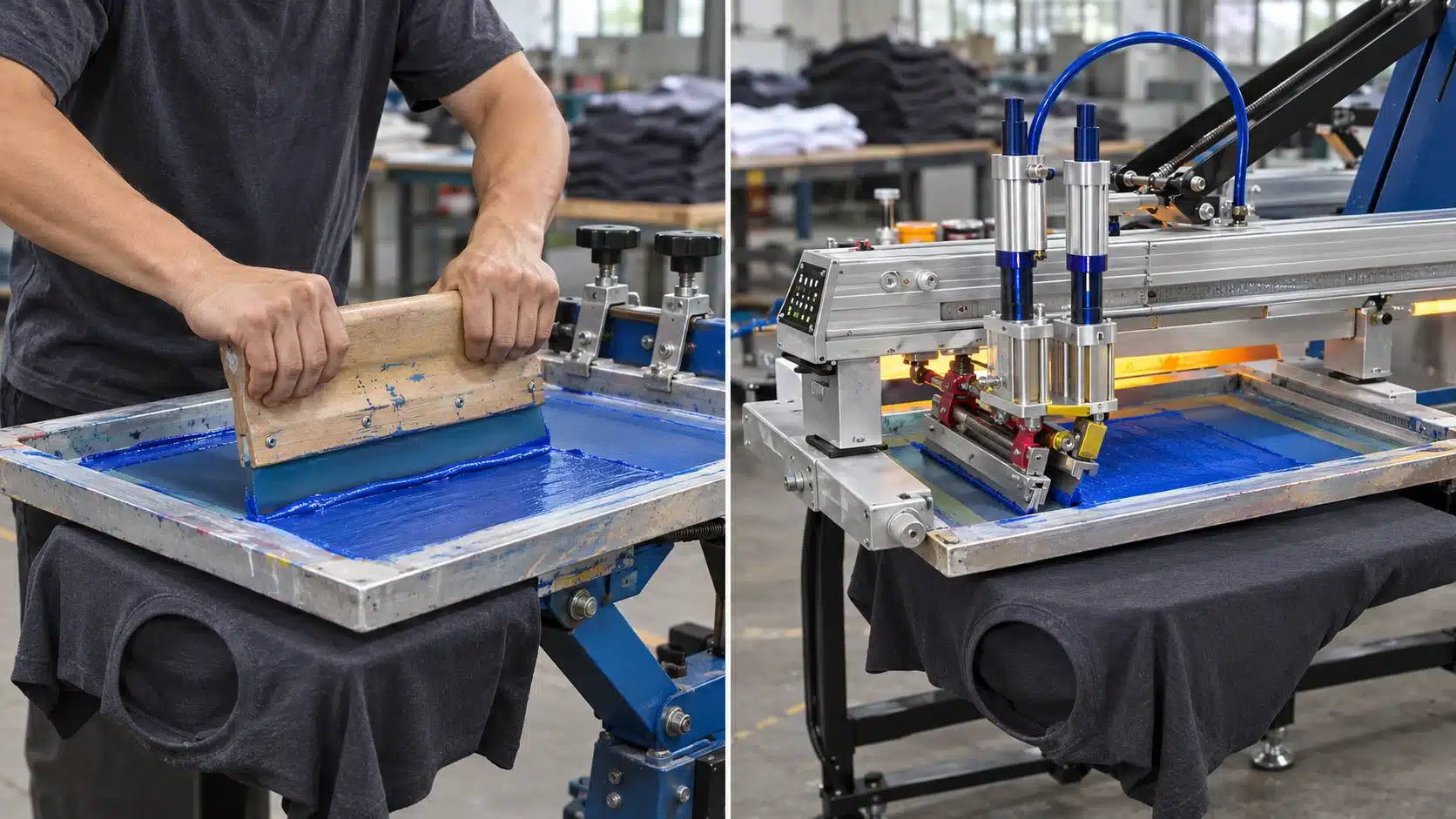
What Changes When You Move to an Automatic Press?
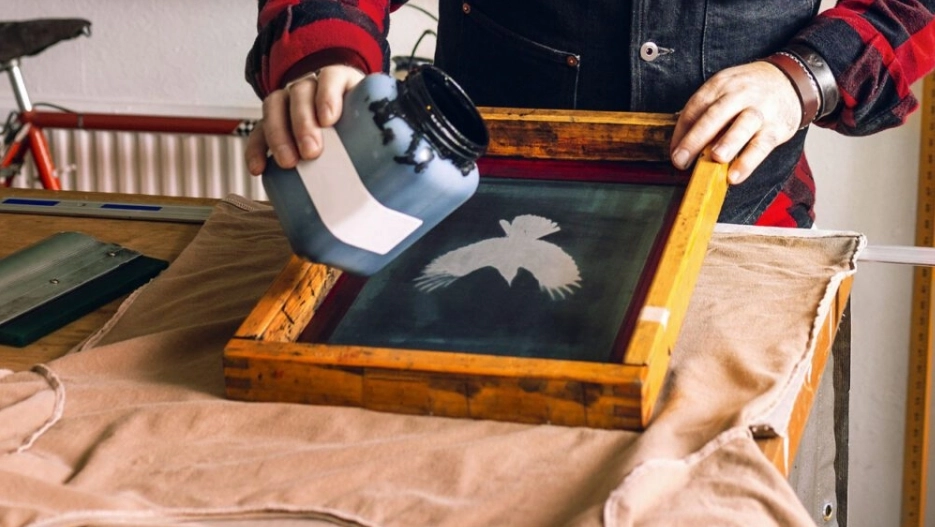
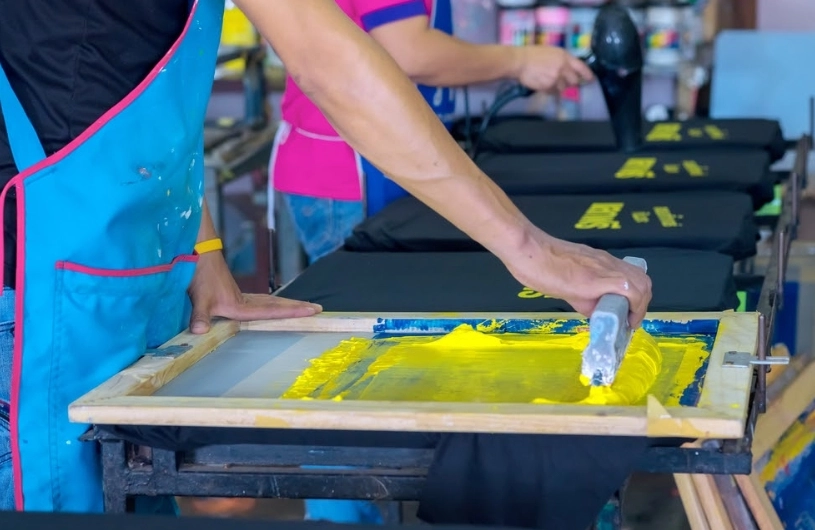
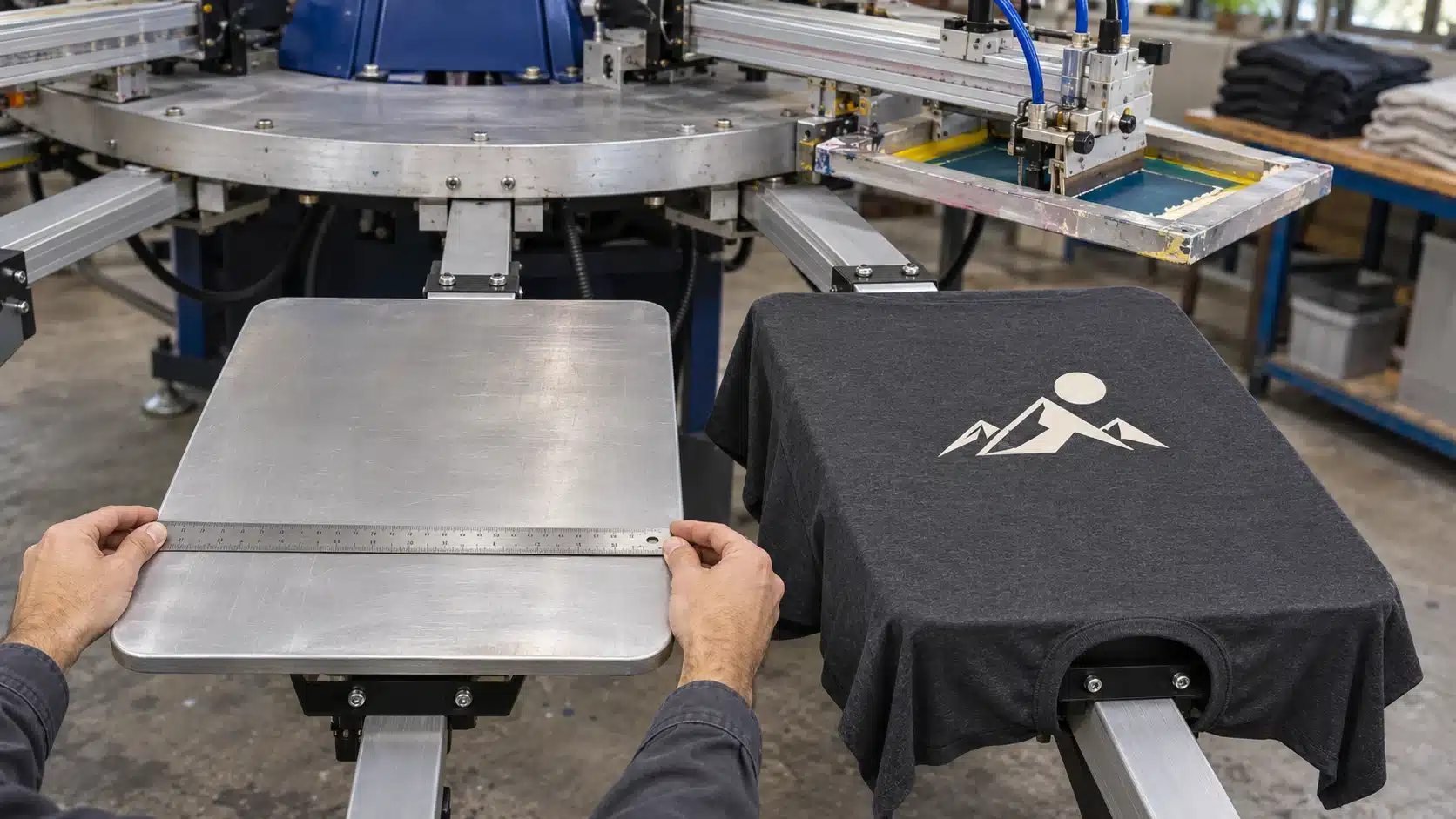
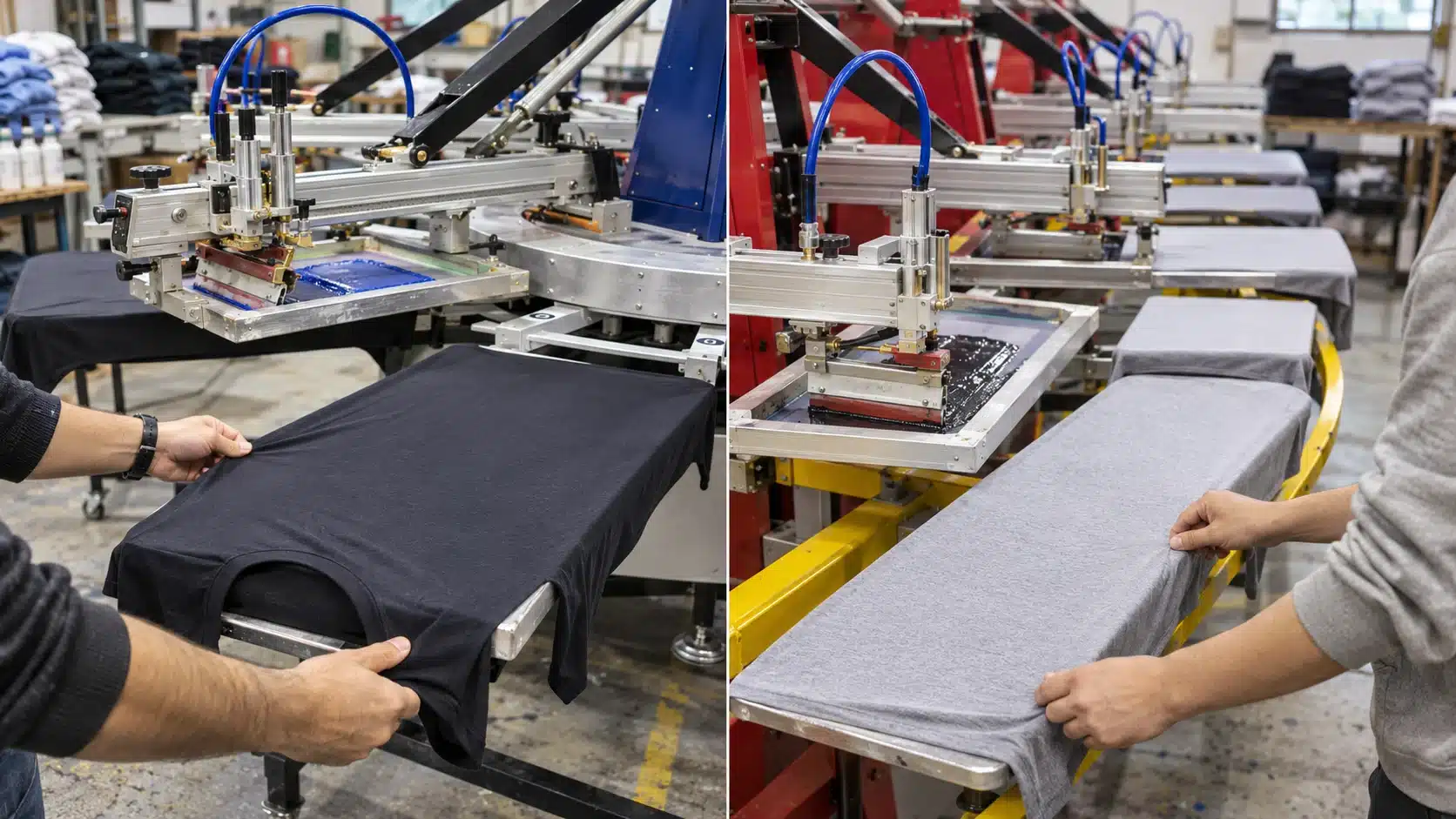
On a manual press, the operator controls the printing stroke and screen movement, and indexes the carousel where applicable. An automatic carousel press powers the configured printing and indexing motions. Operators still prepare screens, register artwork, manage ink, load garments, unload prints, and monitor quality.
Automation can reduce repeated hand printing and provide controlled, repeatable machine settings. The production result also depends on screen preparation, fabric stability, ink behavior, flashing, and operator setup.
| Production factor | Manual press | Automatic carousel press |
|---|---|---|
| Print stroke | Operator moves the squeegee | Powered carriage performs the stroke |
| Indexing | Operator advances the carousel | Machine indexes between stations |
| Job preparation | Screens, registration, ink, and sample approval | Screens, registration, ink, and sample approval |
| Garment handling | Staff load and unload garments | Staff load and unload garments |
| Staffing assessment | Measure printing and handling labor | Measure loading, unloading, supervision, and support labor |
| Output assessment | Time representative complete jobs | Time the same jobs with the proposed configuration |
Match the Press to Your Order Mix
Samples and development work
A manual press can serve sampling, color approval, print-placement checks, and designs that need frequent intervention. Assess how much of each job is spent adjusting and approving the print.
If these activities occupy most of the session, evaluate how the proposed automatic would handle those same steps. Include the time needed to load screens, position garments, and approve the first sample.
Small batches with frequent design changes
Several short orders can occupy an entire shift through repeated registration, ink changes, and cleanup. Record each changeover and investigate delays in supplying ready screens and approved artwork.
An automatic may suit this workload when the actual setup system and staffing improve the complete schedule. Request a demonstration that includes changing between your typical designs.
Recurring production runs
Repeat orders provide a clear opportunity to assess automated production. Look for designs that regularly occupy the manual press for long periods, require sustained hand printing, or create an ongoing queue.
Record orders outsourced or declined because of printing capacity. Confirm how frequently similar work returns and which jobs could fill the proposed machine’s available hours.
Keep One Week of Production Records
Choose a representative working week. Create one entry for each press setup, recording front and back prints separately. Use the template below and repeat it for every job.
| Record field | Information to enter |
|---|---|
| Date and job reference | Customer order, garment style, and printed side |
| Quantity | Ordered quantity, printed quantity, and accepted impressions |
| Screens and sequence | Separations, underbase, flashes, and cooling steps |
| Setup | Screen installation through first approved sample |
| Production run | Elapsed time, interruptions, and recorded reasons |
| Changeover | Cleanup and preparation for the next job |
| Labor | Time contributed by each operator and helper |
| Supporting processes | Screen delays, curing queues, inspection, and packing delays |
Review which job types consume the most press time and where delays recur. Check these findings against normal and busy trading periods so the purchasing decision reflects your ongoing workload.
Record rejected pieces with their apparent causes. A loading problem, stencil defect, registration shift, and curing failure call for different corrective actions. These observations help define the acceptance checks for a new machine.
Find the Process That Limits Finished Output
Observe the point where work accumulates. A queue of prepared screens and garments waiting for printing suggests the press deserves attention. Printed garments waiting for curing point toward a different capacity requirement.
Check the conveyor dryer’s usable belt space and its output under the ink supplier’s specified curing conditions. Include the garment, ink deposit, and proposed loading pattern when evaluating capacity.
Also review screen coating, exposure, washout, drying, and reclaiming. A faster press needs a reliable supply of ready screens. Larger frames may require changes to the equipment that prepares and stores them.
Map movement between blank-garment storage, the press, dryer, inspection, and packing. Include these areas in the layout discussion. HANZE’s screen printing shop equipment checklist can help organize the supporting equipment review.
Compare Complete Jobs and Labor Hours
Use the same artwork, garment, ink system, and acceptance requirements for both alternatives. Record setup, the production run, interruptions, and cleanup. Keep the test conditions consistent enough to explain any difference.
Calculate accepted impressions per occupied press hour by dividing accepted impressions by the hours from the beginning of setup until the press is ready for its next job. Record final curing and inspection results alongside that figure.
Count labor separately. Three people working for two hours contribute six labor hours. This measure helps compare an automated line staffed by several people with a manual job staffed differently.
During the demonstration, assign responsibility for blank inspection, loading, unloading, ink replenishment, and finished-print inspection. Observe whether staff can maintain that arrangement throughout the run. Test the garment styles you sell, since a hoodie or a narrow sleeve can require different handling from a standard T-shirt.
For orders printed on both sides, include the second setup and garment reload in the schedule. Track accepted impressions by side, then count completed garments after all required printing and curing. This connects the press comparison to the finished quantity promised to the customer.
Prepare a per-order estimate covering labor, utilities, consumables, maintenance allowances, and rejected garments. For the investment budget, add freight, installation, training, accessories, and any required site or supporting-equipment work.
Assign a practical use to released capacity, such as confirmed additional orders or reduced paid overtime. Base the comparison on quantities and costs your business can substantiate.
Confirm the Configuration and Site Requirements
Count the actual screens in your recurring designs, including any white underbase and separate highlight. Use HANZE’s colors and stations guide to prepare a layout, then confirm the flash, cooling, loading, and unloading positions with the equipment supplier.
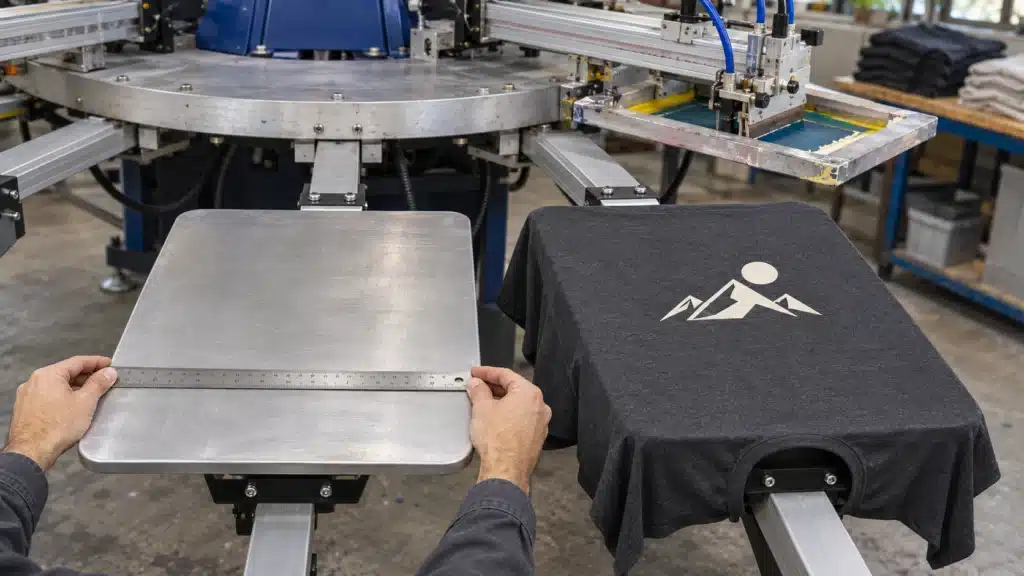
For example, HANZE’s YP-6-14 with a 500 × 700 mm platen is listed with six colors, fourteen stations, and a maximum print area of 460 × 550 mm. Use those dimensions to assess artwork fit, then confirm the usable print heads and flash arrangement for the quoted machine.
Check the smallest garment size, print location, screen-frame compatibility, and loading method. Have the quotation identify the exact configuration using the measurements explained in HANZE’s platen size and maximum print area guide.
Request the installation drawing, electrical schedule, and compressed-air requirements where applicable. Allow space for operators, screen changes, material movement, and service access. Confirm the delivery route and the training arrangements before scheduling the transition.
Ask who will provide operating support, which maintenance tasks your team will perform, and how to identify and order wear parts. Include these responsibilities in the production handover.
Approve the Upgrade with a Representative Trial
Select a recurring order that matters to your schedule. Supply artwork separations, actual garments, ink requirements, and the intended print sequence.
Ask the trial to include setup and sample approval, followed by a continuous production run. Record personnel, elapsed time, stoppages, accepted quantity, and the curing method. Inspect samples from different points in the run for placement, registration, coverage, and edge definition.
Include a second design if frequent changeovers are central to your business. Document the changeover and restart so the comparison covers the work your team performs between orders.
Use the trial record, equipment configuration, and installed-cost estimate together when making the purchasing decision. Schedule existing orders around delivery, installation, and the point at which trained operators can produce approved work.
Compare HANZE’s automatic carousel screen printing presses, then send your production record, artwork, garment samples, and workshop layout through HANZE’s inquiry form. Request a configuration matched to your recurring jobs and current supporting equipment.
Frequently Asked Questions
How many shirts justify upgrading to an automatic press?
Evaluate the quantity alongside setup time, screen count, flashing, staffing, and repeat frequency. Use your production records and a representative trial to establish the workload at which a proposed automatic improves your schedule and costs.
Can an automatic press handle small orders?
An automatic can handle small orders within its specifications. Measure setup, sample approval, the short run, and cleanup to assess how efficiently the proposed system handles your particular jobs.
Should I keep a manual press after upgrading?
A manual press can support samples, specialty work, and short jobs while the automatic handles recurring production. Include its workload, floor space, and maintenance needs when planning the shop layout.
Will my current screens and dryer work with the automatic?
Check frame dimensions and clamp compatibility against the selected press. Confirm that the dryer can cure the actual ink and garment combination at the planned production rate. Include any supporting-equipment changes in the upgrade budget.
 Platen Size vs. Max Print Area on an Automatic Screen Printing Press